Your first month free with codeWELCOME
From git push to bot running

Deploy bots with a single git push.

Connect your GitHub repo. BotDockr builds, deploys, and keeps your Telegram, Discord, or automation bot online 24/7. No servers to manage.

Your first bot live in under 60 seconds.

botdockr deploy
connected
$ git push origin main
 
BotDockrpush onmain
 
1Deploying container...done
2Installing dependencies...23 packages
3Building project...1.2s
4Starting process...done
 
> Bot started successfully
Listening for messages on port 3000
Bot deployment is a pain. It doesn't have to be.

The old way
Rent and configure a VPS2-4 hours
Install Node.js, Python, dependencies30 min
Set up PM2 or systemd30 min
Configure firewall and SSH keys1 hour
Deploy manually via SSHevery time
Monitor, restart on crashongoing
~0h+~6 hours before your bot is even running
With BotDockr
1Connect your GitHub repo10 sec
2Push your codeyou already do this

BotDockr automatically:

Detects your language and dependencies
Builds a Docker container
Deploys and starts your bot
Restarts on crash, redeploys on push
< 0 minYour bot is live in under 2 minutes
~6h
< 2 min

A true story

Every developer's journey

1
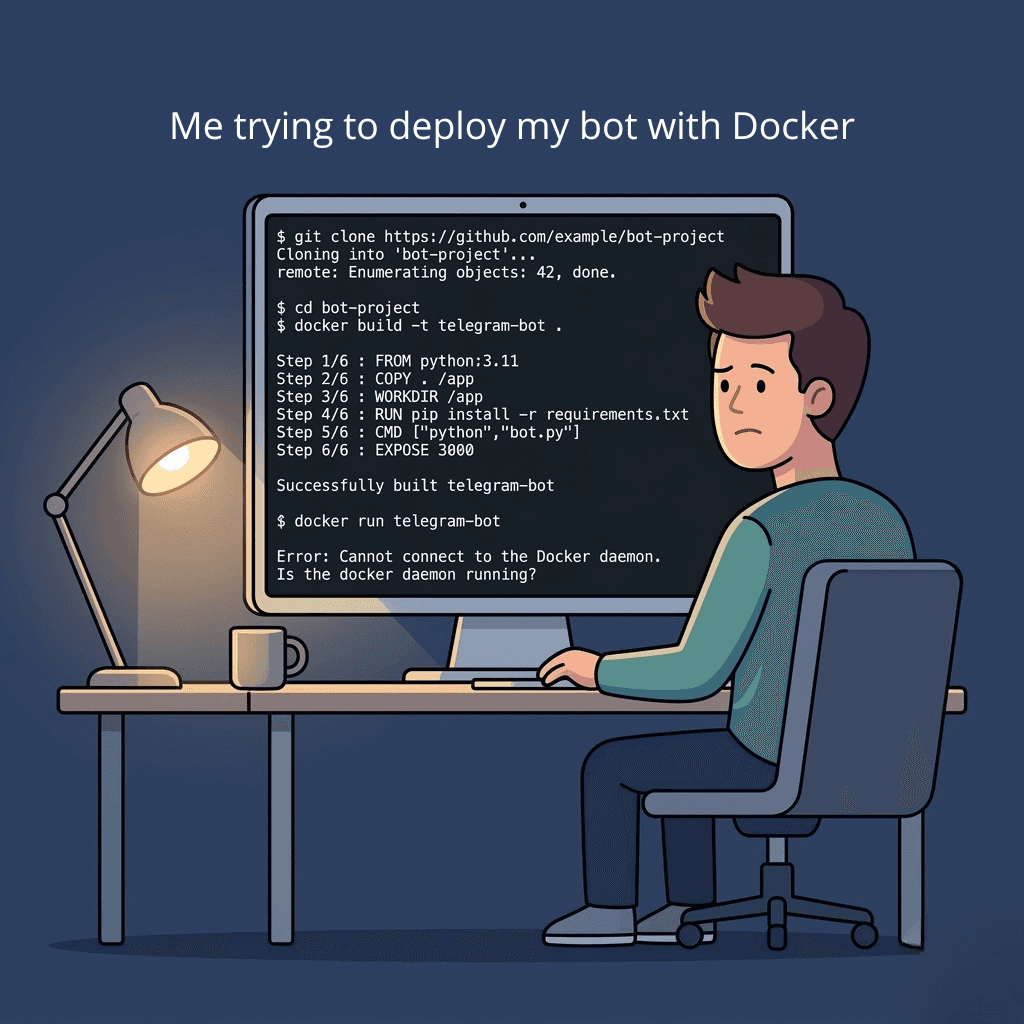
Struggling to deploy a bot with Docker
😩

The struggle is real

Dockerfiles, ports, SSH configs... just to run a simple bot.

2
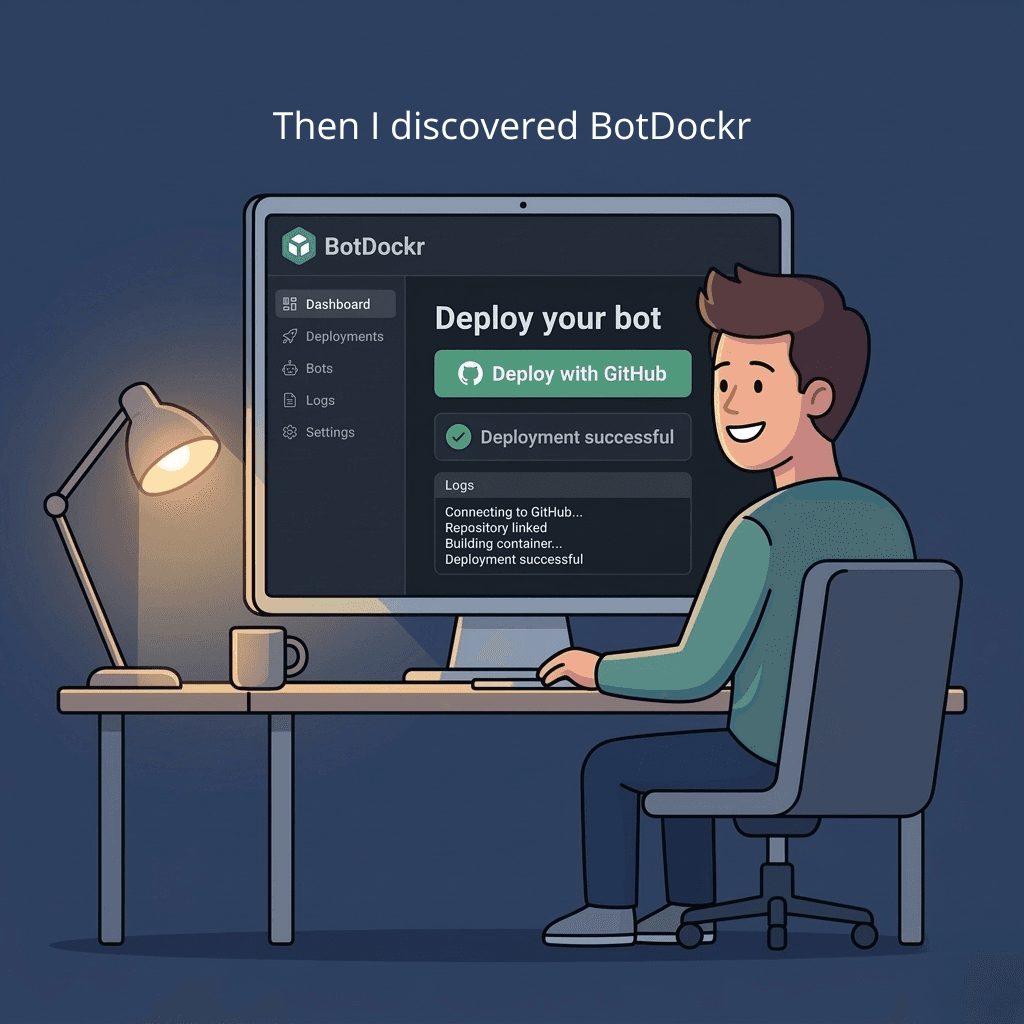
Discovering BotDockr
🤩

Then I found BotDockr

Connect GitHub, click deploy. That's literally it.

3
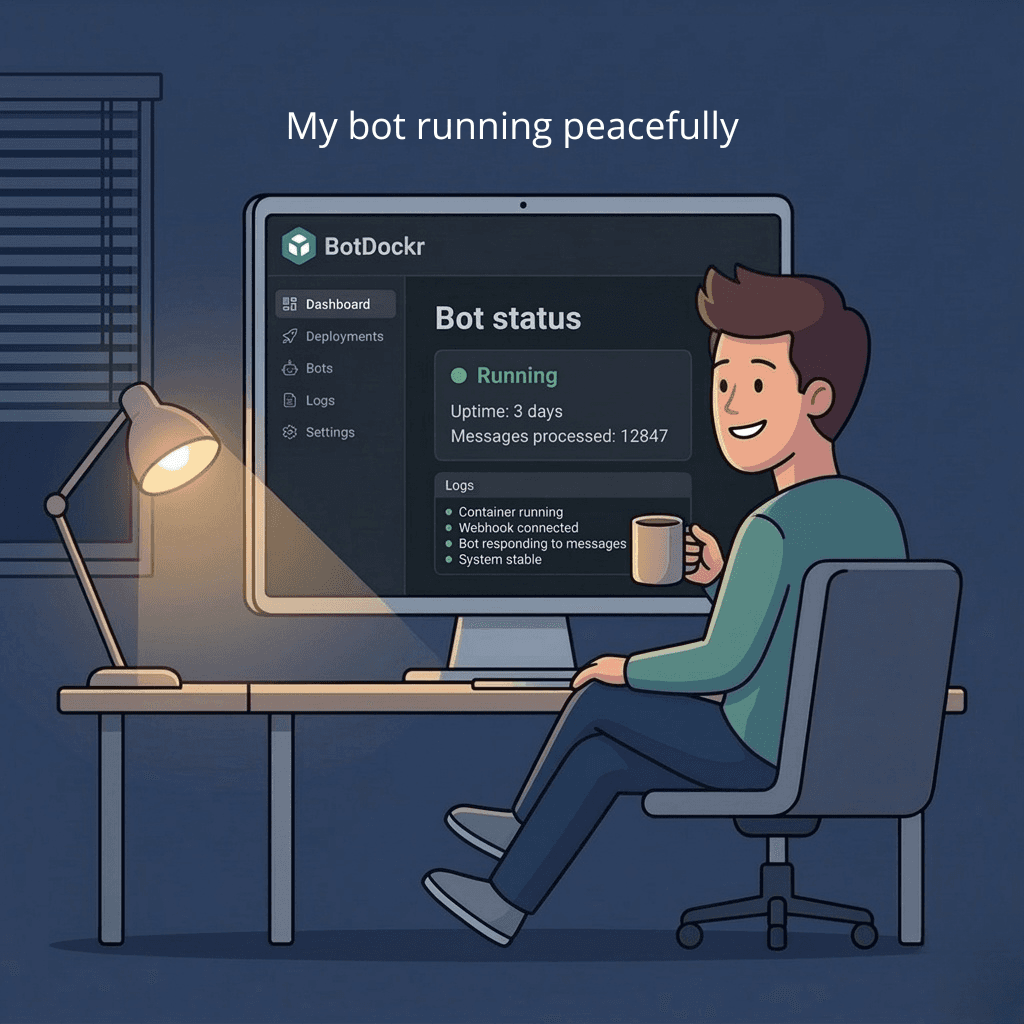
Bot running peacefully
😌

Peace of mind

Bot running, auto-restarts, zero maintenance. Coffee time.

From git push to running bot

Four stages. Fully automatic. You write code, we handle the rest.

STEP 01

Connect your repo

Authorize GitHub and pick your bot repository. One click.

STEP 02

We detect everything

Node.js or Python — BotDockr reads your package.json or requirements.txt and configures the environment automatically.

STEP 03

Containerized deploy

Your bot gets its own isolated Docker container with dedicated resources. No Dockerfile needed.

STEP 04

Online 24/7

Auto-restarts on crash, live logs in your dashboard, and zero-downtime redeploys on every git push.

What you get

No fluff. These are the things that actually matter when running bots in production.

Push to deploy

Every git push to your main branch triggers an automatic build and deployment. No CI/CD pipelines to configure, no manual SSH deploys.

$ git push origin main
Build started...
Container deployed in 47s
Bot is live

Isolated containers

Each bot runs in its own Docker container with dedicated CPU and memory. One bot crashing never affects another.

telegram
discord
scraper
14:23:01
Connected to Telegram API
14:23:02
Listening for updates...
14:23:15
Message received from @user

Live logs & monitoring

Stream your bot's output in real time from the dashboard. See errors the moment they happen, no SSH needed.

Process exited (code 1)14:23:45
Auto-restarted successfully14:23:48

Crash recovery

If your bot process dies, BotDockr restarts it automatically within seconds. You get notified, your users don't notice.

BOT_TOKEN••••••••••••••••••
API_KEY••••••••••••
DATABASE_URL••••••••••••••••

Secure environment variables

Store API keys, bot tokens, and secrets through the dashboard. Encrypted at rest, injected at runtime. Never committed to your repo.

Scale from one to twenty

Run multiple bots from a single dashboard. Each plan gives you more slots — upgrade when you need them.

1
2
3
5
8
13
20

Built on tools you trust

GitHub
Docker
Node.js
Python
Linux
Supabase

Deploy instantly

Start from a template. One click to a running bot.

One price, everything included

No hidden fees. No per-minute billing. Cancel whenever you want.

Starter
$7/mo

One bot, fully managed. Perfect to get started.

1 bot deployment
Auto-restarts & crash recovery
Live logs
Environment variables
Community support
Most popularPro
$19/mo

For developers running multiple bots in production.

5 bot deployments
Auto-restarts & crash recovery
30-day log retention
Environment variables
Priority support
Scale
$49/mo

For teams with heavy automation workloads.

20 bot deployments
Auto-restarts & crash recovery
Extended log retention
Environment variables
Dedicated support

Common questions

Telegram bots, Discord bots, WhatsApp bots, web scrapers, trading bots, automation scripts — anything that runs as a long-running process and connects to an API.

No. BotDockr creates the container for you automatically. You just push your code — no Dockerfile, no docker-compose, no terminal commands.

Node.js and Python with automatic detection. We read your package.json or requirements.txt and set up the environment accordingly.

BotDockr restarts it within seconds automatically. You can see crash events and logs in real time from your dashboard.

Each bot runs in its own isolated container with dedicated resources. The exact allocation depends on your plan — Starter gets shared resources, while Scale gets more CPU and memory per bot.

Yes. Your bot can connect to any external service — databases (PostgreSQL, MongoDB, Redis), APIs, webhooks. Just set the connection strings as environment variables in the dashboard.

Yes. Your bot runs as a long-lived process, so you can use libraries like node-cron (Node.js) or APScheduler (Python) to schedule tasks inside your bot.

No. BotDockr doesn't throttle your bot's outgoing requests. Your bot can make as many HTTP calls, WebSocket connections, or API requests as it needs.

Yes. Set them through the dashboard — they're encrypted at rest and injected into your container at runtime. Your API keys and tokens never touch your git repo.

Yes. No contracts, no commitments. Cancel your subscription anytime and your bots run until the end of your billing period.

Deploy your first bot
in under 60 seconds.

Your code runs. We handle the rest. From $7/month.

BotDockr

BotDockr

Ask us anything

BotDockr

Hey there!

Ask me anything about BotDockr — pricing, deployment, features, or troubleshooting.

Powered by BotDockr AI